
Samsung DeX for Mac.
Your phone’s desktop, right on your Mac.
Plug in your Galaxy and Samsung DeX opens in a Mac window — a full desktop with your Mac’s keyboard, trackpad and speakers. Unplug, and it’s gone.
Free 7-day trial with Pro included, no card or sign-up · Samsung Galaxy with One UI 8 or later · macOS 13+ on Apple silicon or Intel
- Signed & notarizedDeveloper ID: Elco Dev, LLC · notarized by Apple
- 7-day free trialEvery feature, no card or sign-up
- 14-day refundNo questions asked
- Secure checkoutPayments by Stripe; we never see your card
- Actively updatedUpdated 14+ times since Oct 2026, latest Nov 16, 2026
- Real supportsupport@elcodev.com
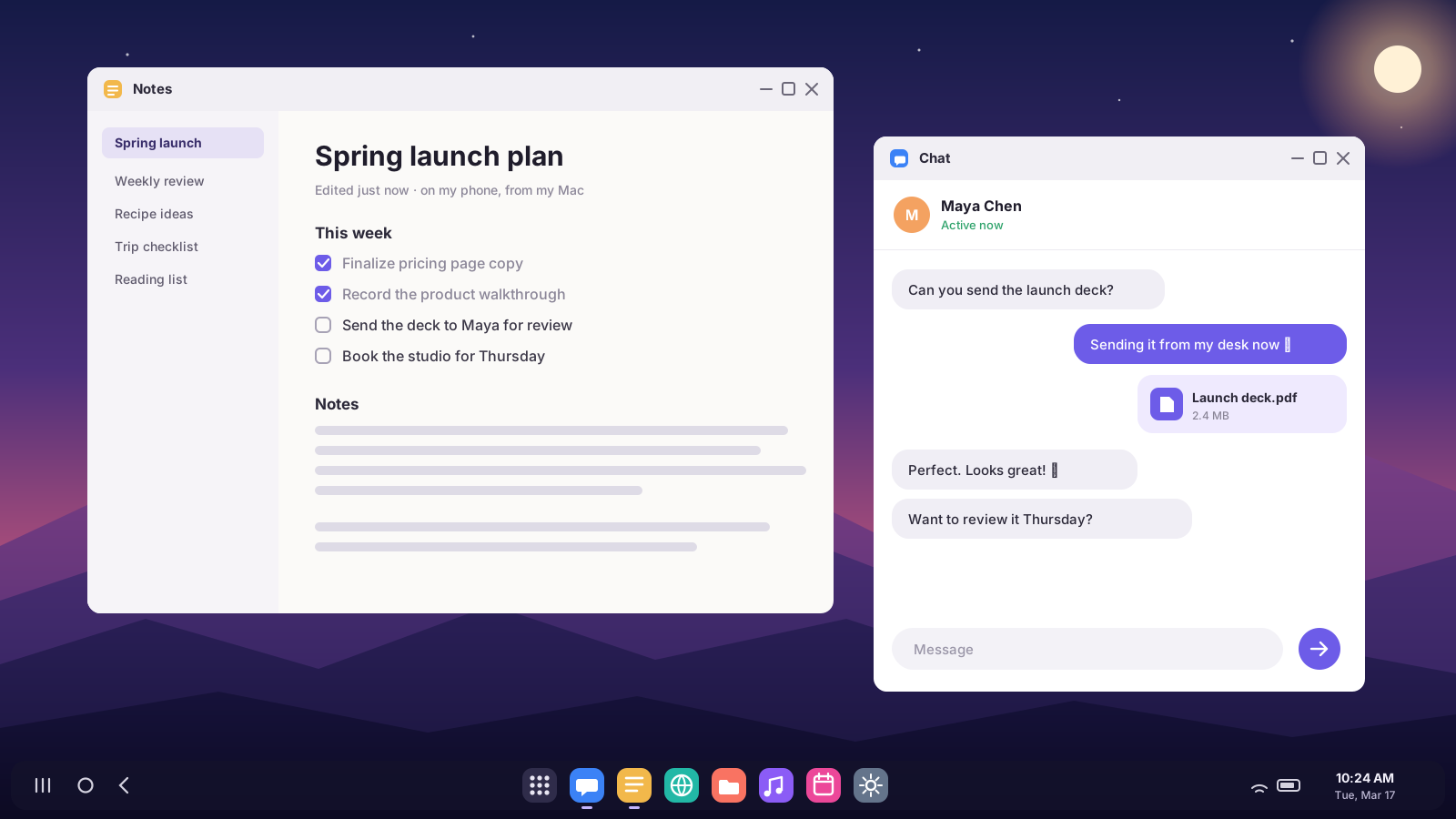
Desk mode in three steps.
No dock, no monitor, no cables beyond the one you already charge with.
Turn on USB debugging — once
A one-time switch in your phone’s settings. Deskbridge walks you through it, and so does this page.
Plug your phone into your Mac
Deskbridge lives in your menu bar and notices your phone the moment it connects. Samsung DeX opens in its own Mac window.
Work like you’re at a desk
Resizable windows, a taskbar, your apps side by side — driven by your Mac’s keyboard and trackpad. Unplug and the window closes.
Everything DeX should be on a Mac.
Samsung retired DeX for PC. Deskbridge brings the full desktop back — sharper and simpler than before.
Opens when you plug in
Connect your phone and DeX appears. Disconnect and it closes. Nothing to launch, nothing to click.
Landscape or portrait
A wide desktop, or a tall phone-style layout where apps look the way they do on your phone. One click to flip.
Secure Blackout
Your phone’s screen goes fully black while DeX keeps its whole desktop. Touch the phone or unplug it, and it locks instantly.
Unlock from your Mac
Phone locked? Press ⌥⌘U and type your PIN on your Mac. Deskbridge enters it on the phone — and never stores it.
Apps in their own windows
Pop WhatsApp, Messages or any phone app into its own Mac window, sized like your phone. Press ⌥⌘O and type its name.
Calls on your Mac
See who’s calling — phone calls and WhatsApp — and answer or decline right from a Mac banner.
Notifications on your Mac
Your phone’s notifications land in Notification Center. Click one and that app opens in its own window.
Quiet while you work
Your phone switches to Do Not Disturb while DeX is open, and back when you’re done — even if you just unplug.
Crisp at any size
Match your Mac’s display, or pick 1080p, 1440p or 4K. Choose smaller, default or larger text — it stays sharp.
Your Mac’s keyboard, trackpad and clipboard
Type, click, scroll and right-click in DeX with the keyboard and trackpad you already use. Copy on one, paste on the other.
Phone audio on your Mac
Videos, music and calls from DeX play through your Mac’s speakers or headphones (Android 11 and later).
Drag a file into a message
Drop a file from Finder onto DeX and it opens attached — straight into WhatsApp or Messages if that’s open, or the share sheet. A copy lands in Downloads.
Wireless, too
Pair over Wi-Fi with a pairing code and use DeX without the cable.
Lives in your menu bar
Starts at login and stays out of the way until your phone connects. Every option is one click away.
Private by design
No account and no cloud. Everything travels directly between your phone and your Mac, over USB or your own Wi-Fi.
Wide when you need room.
Tall when you need to read.
Landscape for spreadsheets, side-by-side apps and video. Portrait gives you a big phone-style layout — apps show one clean column instead of squeezed tablet panes. Perfect for chat, feeds and long reads. Switch any time from the menu bar; DeX re-lays itself out in about two seconds.
- Sized to fit your Mac’s screen, or choose 1080p, 1440p or 4K
- Text size that suits you: smaller, default or larger
- Rotate any time with ⌥⌘R, go full screen with ⌘F
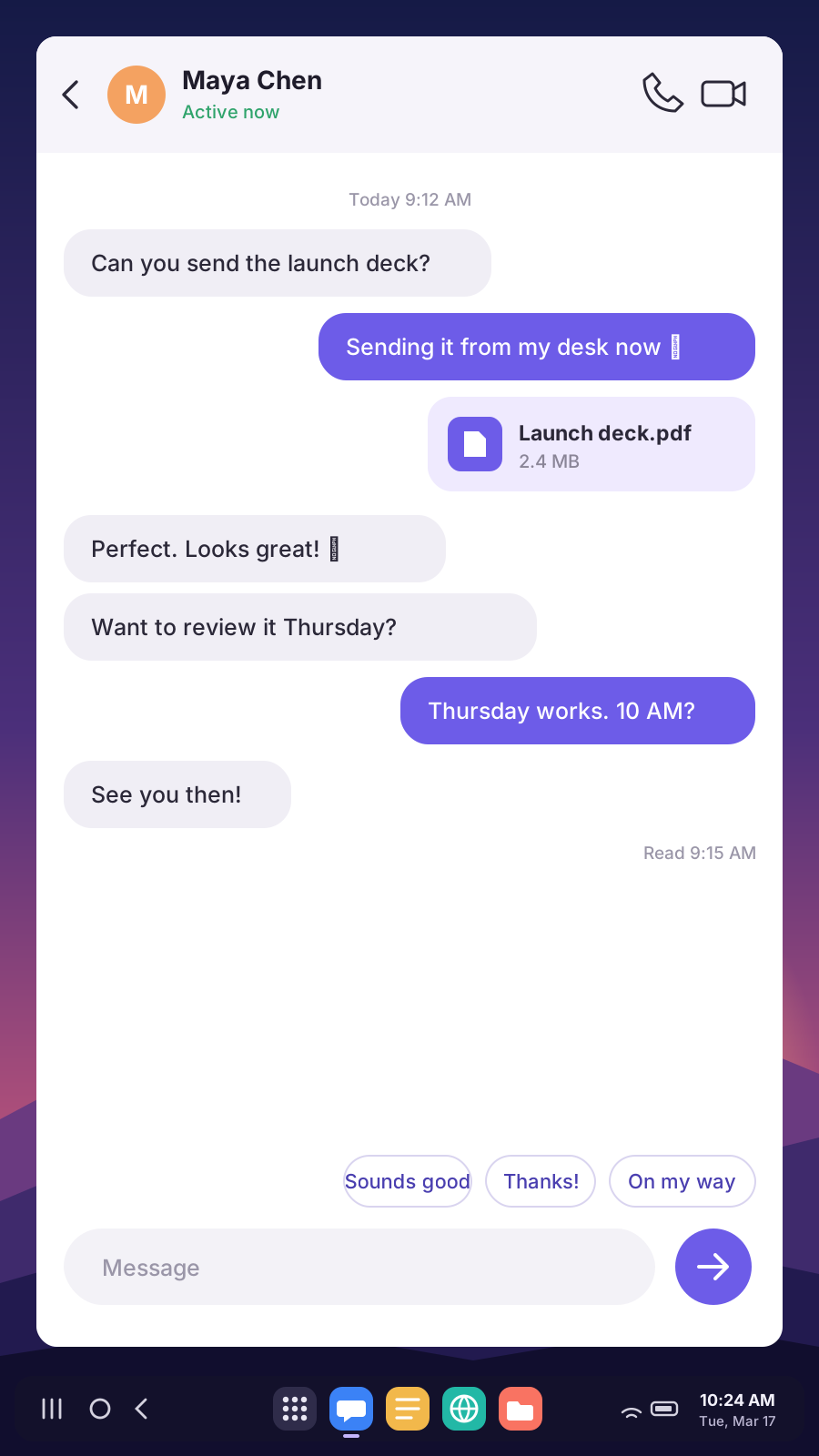
Screen off. Desktop on. Phone protected.
Turn on Blackout and your phone’s screen goes completely black — on OLED displays, black pixels don’t light up at all — while DeX keeps its full desktop, dock and keyboard on your Mac. Your phone stays protected the whole time.
- Touch the phone, unplug it or close DeX — it locks instantly
- Hit the power button by habit? Deskbridge wakes the phone so DeX never freezes
- Locked anyway? Press ⌥⌘U and unlock it from your Mac’s keyboard
- Switch it on or off from the menu bar, or have it start automatically
Your phone, all the way onto your Mac.
Leave your phone face-down. Calls, notifications and individual apps come to you — in windows and banners that feel at home on a Mac.
- Incoming calls — phone and WhatsApp — with Answer and Decline
- Notifications in Notification Center; click to open the app
- Any app in its own phone-sized window, alongside your Mac apps
- Drag a file from Finder into a WhatsApp or Messages chat
- Do Not Disturb on your phone while DeX is open
One-time $12. No subscription.
No subscription, no account. Plug in free first and check DeX works on your phone — then keep it for $12. Pro is an optional extra.
Deskbridge
Plus applicable sales tax.
- Every core feature, forever
- Unlimited phones on your Mac
- All future updates included
- 7-day free trial, Pro features included
- 14-day refund, no questions asked
Signed by Elco Dev, LLC and notarized by Apple · 14-day refund · Payments by Stripe; we never see your card
- Samsung Galaxy on One UI 8 or later, for the full DeX desktop (verified on Galaxy Z Fold 7)
- Google Pixel 8 or newer on Android 16 QPR3+, for Pixel desktop mode (beta)
- Other Android phones: screen mirroring with your Mac’s keyboard and trackpad
- Any Mac on macOS 13 or later, Apple silicon or Intel
What DeX on a Mac costs
Secure checkout by Stripe. Your license key appears the moment you pay — paste it in, or click once to activate.
Deskbridge Pro optional · $5/year
Start / Stop Recording of your phone desktop (MP4 in your Movies folder) and 16:10 and ultrawide desktop sizes, plus new Pro tools as we add them. An add-on to a Deskbridge license; everything above stays yours without it. Cancel anytime by emailing support@elcodev.com.
Add Pro — $5/year What Pro addsComfortable in Terminal? The free tool Deskbridge is built on can run DeX too — here’s an honest comparison.
What you need
Two minutes of setup, one time.
A Samsung Galaxy with One UI 8+
For the full DeX desktop. Verified on Galaxy Z Fold 7. Google Pixel 8 or newer on Android 16 QPR3+ gets Pixel desktop mode (beta). Other Android phones (Android 5 and later) get screen mirroring instead of DeX.
A Mac on macOS 13+
Ventura or later, on Apple silicon or Intel.
A USB cable — or Wi-Fi
Any data-capable USB cable, or wireless pairing on the same network. Which cable works?
Turn on USB debugging (one time)
- On your phone, open Settings › About phone › Software information.
- Tap Build number seven times. Enter your PIN if asked — you’ll see “Developer mode has been turned on.”
- Go back to Settings, open Developer options (at the bottom), and turn on USB debugging.
- Plug your phone into your Mac. When your phone asks “Allow USB debugging?”, tick Always allow from this computer and tap Allow.
That’s it — Deskbridge takes it from here, every time you plug in.
Questions, answered
Is this the real Samsung DeX?
Yes. Deskbridge doesn’t imitate DeX — it gives your phone a virtual display, and your Galaxy runs its own DeX desktop on it. Deskbridge shows that display in a Mac window and sends your keyboard and trackpad to it. More in how to use Samsung DeX on a Mac.
Is Deskbridge legit?
Yes. Deskbridge is made by Elco Dev, LLC, a small software company in Tennessee. The app is signed with our Apple Developer ID and notarized by Apple, so macOS checks it before it opens. You can try every feature free for 7 days with no card or sign-up, payments go through Stripe (we never see your card), and if you buy and it doesn’t work for you, email support@elcodev.com within 14 days for a full refund. Every update is listed on the changelog.
Which phones work?
The full DeX desktop needs a Samsung Galaxy running One UI 8 or later — we’ve verified it on the Galaxy Z Fold 7. Google Pixel 8 and newer on Android 16 QPR3 or later get Pixel desktop mode in a Mac window (beta). Other Android phones (Android 5 and later) still work for screen mirroring with your Mac’s keyboard and trackpad, but without DeX. See which phones support DeX on a Mac.
Do I need a monitor, dock or special cable?
No. DeX opens in a window on your Mac’s own screen, so there’s no monitor, HDMI adapter or dock. You need any data-capable USB-C cable (the one that came with your phone usually works; charge-only cables don’t), or you can connect over Wi-Fi. More in which USB-C cable you need.
Can I use my phone while DeX is open?
Yes. DeX runs on its own display, so your phone’s screen keeps doing its own thing. Or turn on Blackout to keep it dark.
What happens if I press my phone’s power button?
The power button puts your phone to sleep, and a sleeping phone pauses DeX. Deskbridge notices within a second or two, wakes the phone and switches on Blackout, so DeX carries on. Your phone will have locked, though — press ⌥⌘U to unlock it from your Mac. For no interruption at all, use Blackout instead of the power button. How Secure Blackout works.
Why does DeX lose its dock when my phone is locked?
That’s Samsung’s security: while your phone is locked, DeX hides the apps in its dock and won’t accept typing, so nobody can use your phone from the desktop. Unlock it — from your Mac with Unlock Phone… (⌥⌘U), or with your fingerprint — and everything comes straight back. Secure Blackout keeps your phone unlocked behind the black screen so this doesn’t happen in normal use.
Does anything get installed on my phone?
Only a tiny Deskbridge helper app, installed for you over the cable. It has no network access. It can lock your phone — that’s how Secure Blackout locks it the instant it’s touched — and, only if you turn on notifications, app calls or Do Not Disturb, it gets notification access. You can revoke either in your phone’s Settings at any time.
Can I send a file from my Mac in a message?
Yes. Drag it from Finder onto the DeX window (or an app window). If WhatsApp, Messages, Telegram, Signal, Gmail or another messaging app is in front, it opens that app’s send screen with the file attached — pick the chat and send. Otherwise you get the Android share sheet. A copy is always saved to your phone’s Downloads, and dropping an APK installs it.
Can I answer calls on my Mac?
You’ll see who’s calling — phone calls by default, WhatsApp and other app calls if you turn them on — and can answer or decline from the Mac banner. The conversation itself stays on your phone (use its speaker or your earbuds); your Mac doesn’t become the microphone.
Does Deskbridge read my notifications?
Only if you turn on Show Phone Notifications on Mac. Then your phone sends each notification over the cable straight to your Mac’s Notification Center — nothing is stored, logged or sent anywhere else.
Is it safe to type my PIN on my Mac?
Deskbridge sends what you type straight to your phone over the cable and keeps nothing — it isn’t saved, logged or sent anywhere else. It’s the same as typing on your phone, just with a better keyboard.
Does it work wirelessly?
Yes. Turn on Wireless debugging on your phone and pair with the code it shows. A wired connection gives the smoothest picture; Wi-Fi is great for a cable-free desk. If your phone restarts, re-pair or plug in once to reconnect.
Does my data go anywhere?
No. There’s no Deskbridge account and no cloud service. Your screen, audio, clipboard and files go straight between your phone and your Mac. See the privacy policy.
How does the free trial work?
Download Deskbridge, plug in your phone and DeX opens on your Mac — that’s the whole check. Every feature works for 7 days, Pro included (recording, Wi-Fi reconnect, wide sizes), no card and no sign-up. Keep it for $12 whenever you’re ready; if it doesn’t work out after you buy, the 14-day refund has you covered.
What if it doesn’t work for me?
Email support@elcodev.com within 14 days of buying and we’ll refund you in full. No questions asked.
Is Deskbridge made by Samsung?
No. Deskbridge is an independent app by Elco Dev that works with Samsung DeX. It’s built on scrcpy, the well-loved open-source screen-sharing tool.
Guides
Everything about running Samsung DeX on a Mac — with or without Deskbridge.
How to use Samsung DeX on a Mac
The complete 2026 guide: what changed with One UI 8, and the two ways to get DeX on your Mac.
DeX for PC is discontinued
What replaced Samsung’s desktop app on Windows and Mac.
DeX on a Mac with scrcpy (free)
The do-it-yourself command-line method, step by step.
Deskbridge vs. free scrcpy
An honest look at what you get for $12, and when the free tool is enough.
DeX on Mac not working?
Ten fixes, from charge-only cables to frozen and blurry windows.
Samsung DeX for Mac alternative (2026)
Every option on a Mac compared: what shows the real DeX desktop, and what only mirrors.
DeX on a MacBook
Use the DeX desktop on your laptop's own screen, keyboard and trackpad.
Pixel desktop mode vs. Samsung DeX
How Google's desktop mode compares, and what each needs.
Is there Phone Link for Mac?
Every way to get an Android phone onto a Mac in 2026.
Bring your phone’s desktop to your Mac.
Plug in free and see it work. Then $12, once, for good.